Bench the blade and UTS
Before you start grading for the day it's a good idea to bench the blade of your machine and a Universal Total Station (UTS) against a known elevation. This will give you confidence that everything is set up well before you start work and it will help you avoid rework.
Watch the video
Learn how to bench the blade and a UTS.

Step by step
-
Spray-paint the exact elevation of a point on your site.
NOTE – You'll need to use this as a reference to bench your blade. Make sure you mark the actual elevation not the elevation of your design. You'll need to use a high precision instrument like a UTS. A GPS isn't accurate enough.
-
Drive your machine smoothly to the benchmark, keeping the blade as still as possible.
-
Put the blade tip on the mark.
NOTE – This should be whichever side of the blade the mast is on.
-
Tap the UTS
 icon.
icon.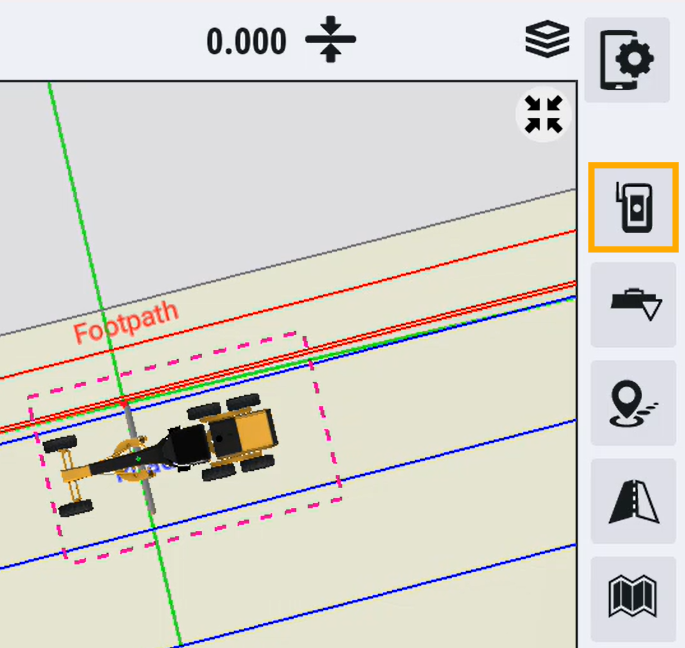
-
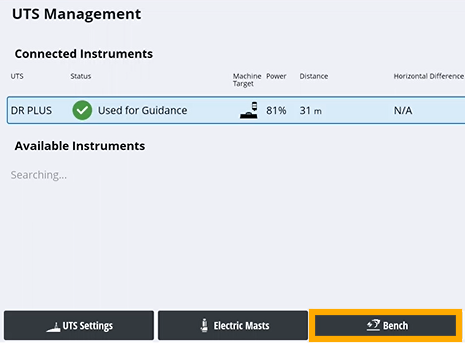
Tap Bench.
-
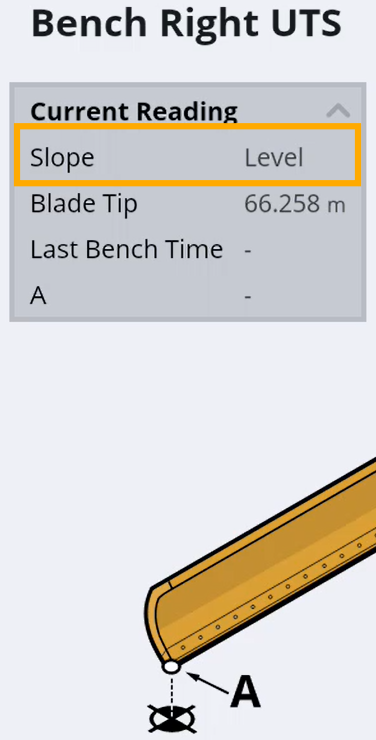
Get your blade slope as close to level as possible.
-
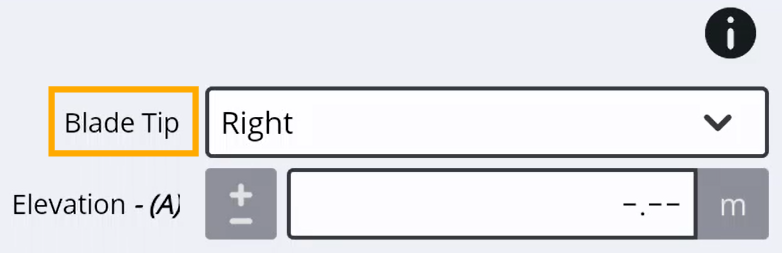
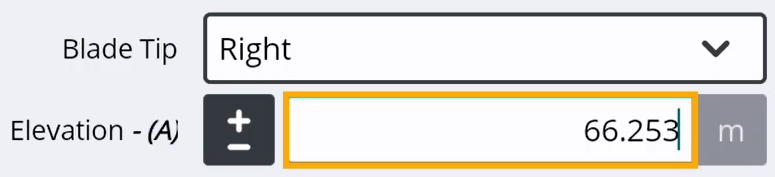
In the Blade Tip field, specify which side of the blade you're benching.
-
In the Elevation field, enter the actual elevation.
-
Tap Bench.
-
Tap Done.
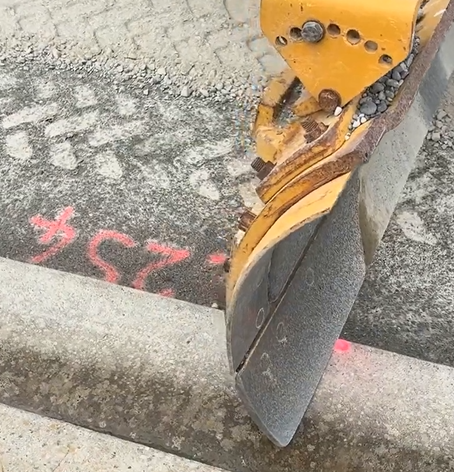
TIP – If your blade tip is worn, put the blade down a bit further in from the edge.